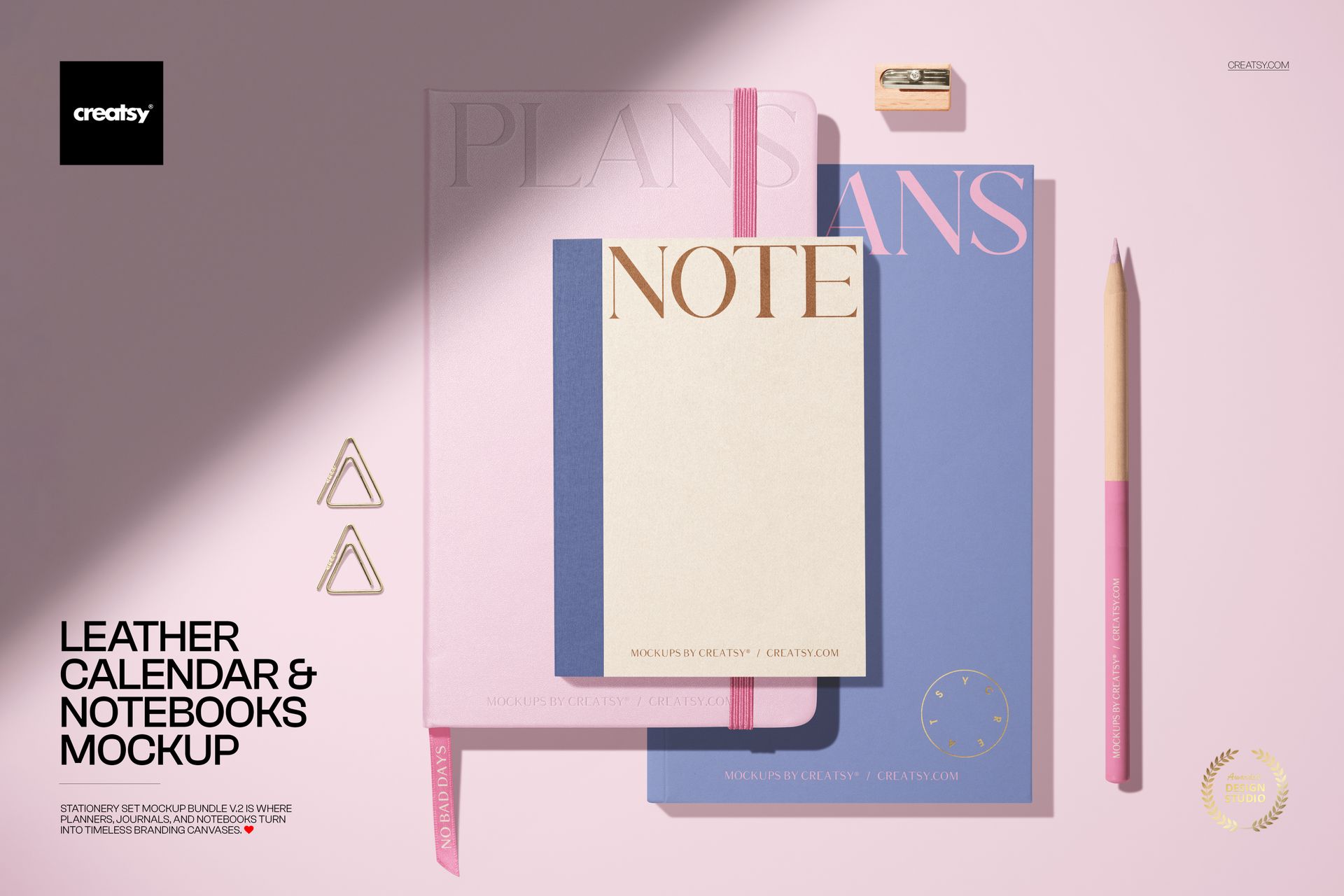
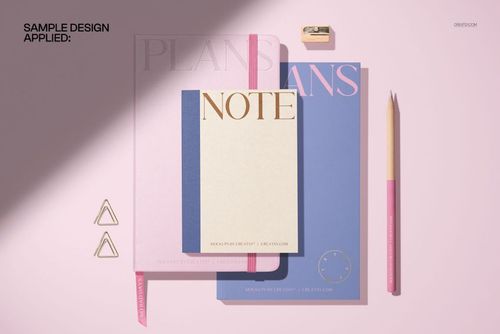
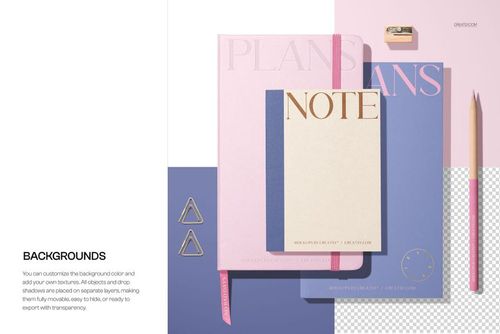
Bring your stationery branding to life with this Leather Calendar and Notebooks Mockup. Showcase planners, journals, and notebooks in a softly lit desktop scene with movable props, optional foil stamping, and a dramatic shadow overlay. Ideal for stationery collections, lifestyle visuals, and planner launches. Free for commercial use – see license for details.
Highlights
- Format: 1× PSD, 6000×4000 px, 300 dpi
- Workflow: Smart Objects; well-organized, named layers
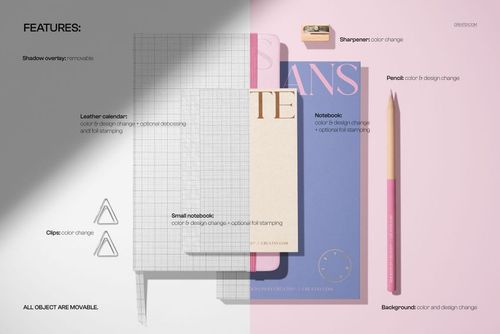
- Editable: leather calendar, large notebook, small notebook, pencil, clips, sharpener, background, and spotlight shadow overlay
- Special effects: optional foil stamping and debossing on calendar and notebooks
- Objects: all objects are movable for custom compositions
- Apps: Photoshop (min. CC 2020) + Photopea (free online editor)
- Use cases: planner and journal branding, stationery sets, ecommerce product images, social media, portfolio shots
- License: personal & commercial use – see license for details
What’s inside / Specs
- Files: PSD (+ preview JPG)
- Canvas: 6000×4000 px, 300 dpi
- Layers & controls:
- Smart Objects for leather calendar cover, notebook covers, and small notebook
- Optional foil stamping and debossing layers for premium finishes
- Separate color controls for pencil, clips, sharpener, and background
- Removable shadow overlay for a strong spotlight effect or softer lighting
- Adjustable shadows and highlights for realistic depth
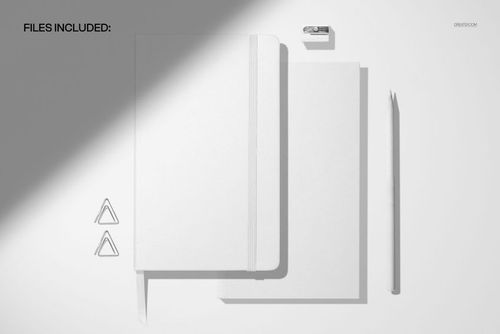
- Scene: top-view arrangement of leather calendar, two notebooks, pencil, clips, and sharpener on a clean background
- Compatibility: Photoshop CC 2020 or newer; works in Photopea
- Approx. size: ~365–383 MB (archive may vary by compression)
How-to (Photoshop & Photopea)
- Open the PSD in Photoshop (CC 2020+) or Photopea.
- Place your artwork in the calendar and notebook Smart Objects, then Save to refresh the mockup.
- Customize colors of the covers, pencil, clips, and background; toggle foil/debossing layers as needed.
- Move or rotate objects, and switch the shadow overlay on/off to match your visual style.
- Export high-res JPG/PNG/WebP files for your shop, presentations, or social media.
License & usage
Personal and commercial use for 1 business/client according to Creatsy’s license. Redistribution, reselling, or sharing of the source PSD files is not allowed. Please check the full license on Creatsy for all terms and restrictions.



Such a great mock-up, Creatsy. Just what I was looking for. Your mock-ups are always so organised and easy to use. Thanks!